Page Mata
By default, Feishu Wiki did not provide any features that allowed us to specify the page URL.
So, we need to use a special way to do that.
Pages Meta
You can write a CodeBlock with YAML or JSON language at the first of your Feishu Document.
Field | Type | Description |
slug | string | To specify the URL filename of this page. |
hide | bool | Hide this page, if present |
After the page is generated, the Page Meta part will be invisible.
If you find it too much trouble to set a slugfor each document, you can use the simple URL structure of Feishu Docs by setting URL_STYLE=original, so that the document does not need to write a slug.
See also: URL Style
For example
Here is a screenshot of Page Meta in the Feishu Document.
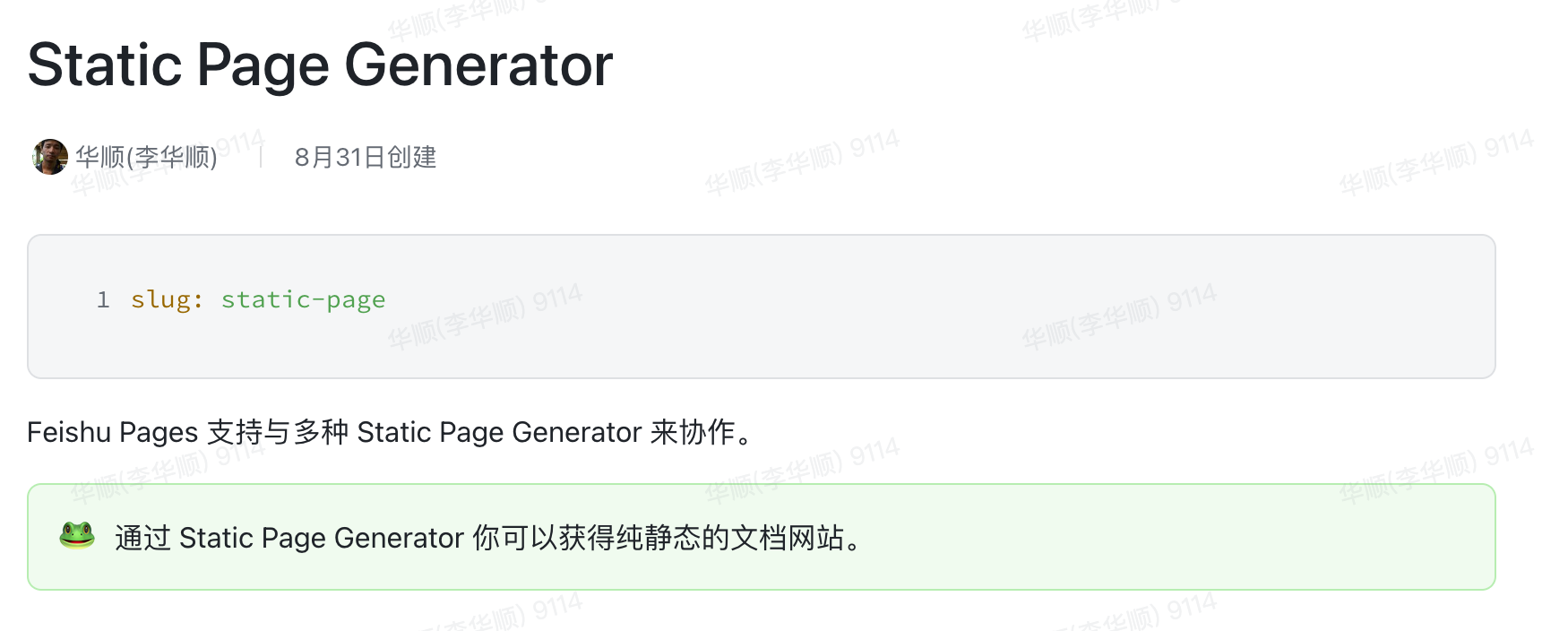
Add YAML or JSON content:
slug: your-page-slugIf you'd like to use JSON, write like this.
{
  "slug": "your-page-slug"
}
Then this CodeBlock will parse to as doc meta info, and this CodeBlock will not appear in the output Markdown content.